
YouTube Membership
Support the channel directly and help fund future reviews, projects, and experiments.

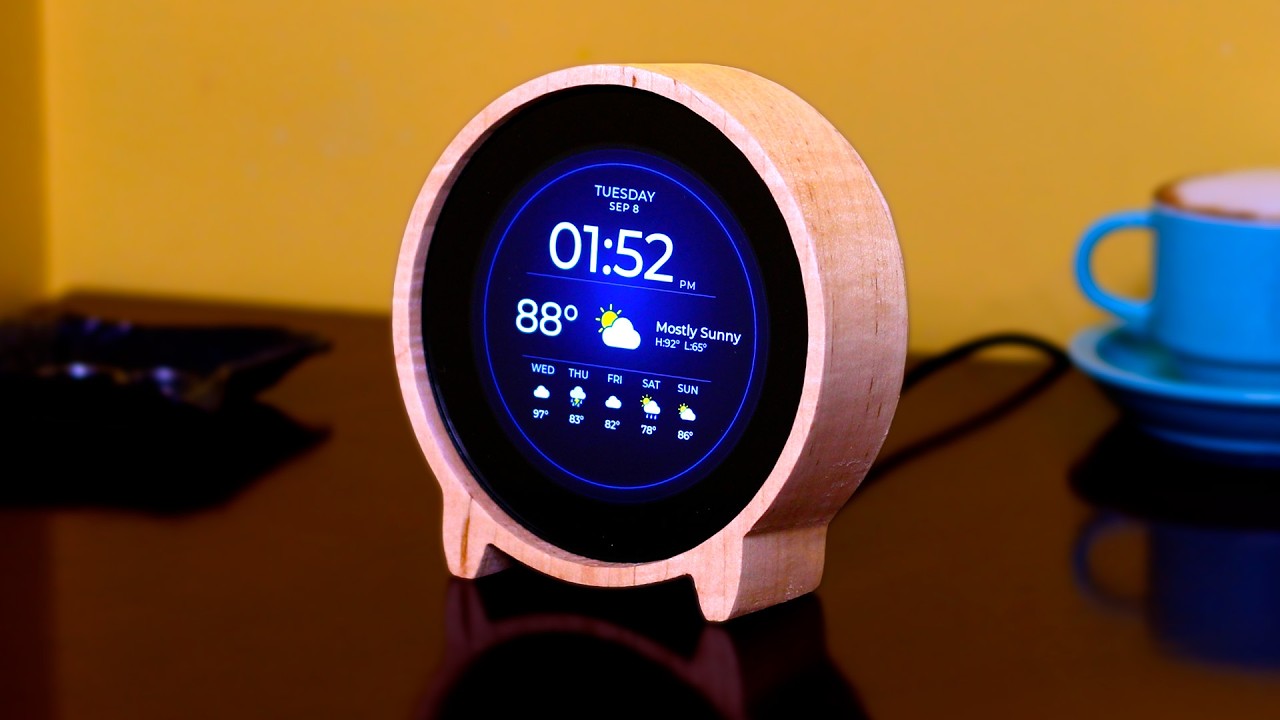
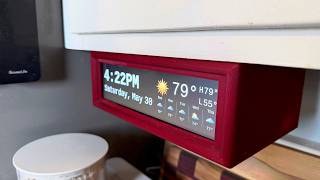
Earlier this year I ripped the crusty under-cabinet radio clock out of my kitchen and replaced it with a Raspberry Pi that shows the time and weather at a glance. People liked it. I liked it. But sooner or later almost every comment got around to the same question: "Cool, but I don't have a cabinet to hang it under. Can I put one on my desk?"
So here's the round one.
Same idea, same features: time, date, current conditions, a swipeable forecast, and the shared-house messaging that lets one clock ping another across your network. Just in a round body that sits on a nightstand, a desk, or a shelf instead of hanging under a cabinet. No touchscreen required, no voice assistant, no app, no account, and no weather API key to sign up for. You glance at it, you get what you need, you move on.
Like the kitchen clock, you don't need to solder anything or know how to code. You flash an SD card, paste one line into a terminal, answer a few questions, and you're done. And if you'd rather skip the Raspberry Pi entirely, there's now an all-in-one version that runs on a single ESP32-P4 board you flash straight from your browser. Seriously it's that easy. ANYONE can make this.
All the code is open: full source, the shared forecast-icon set, and the frozen product spec both versions are built against are all on GitHub under Creative Commons Attribution-NonCommercial.




Practical tech reviews, repairs, DIY projects, smart home experiments, and useful gadgets without the hype.