
YouTube Membership
Support the channel directly and help fund future reviews, projects, and experiments.

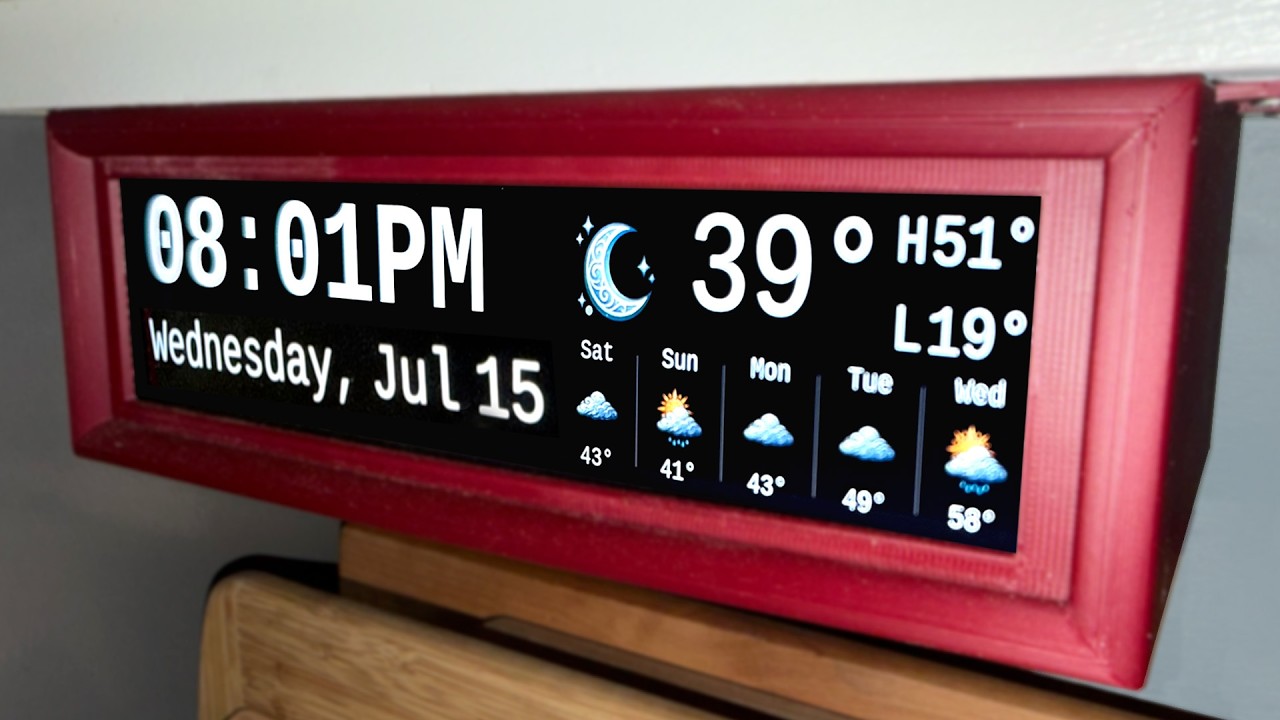
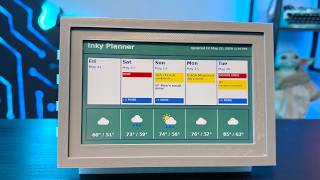
I replaced my old under-cabinet kitchen clock with a DIY Raspberry Pi smart display that shows the time and weather at a glance. And then, the world wanted to build one too... and I quickly found out how imperfect it was. So I've spent months improving it, and now the updates are here.
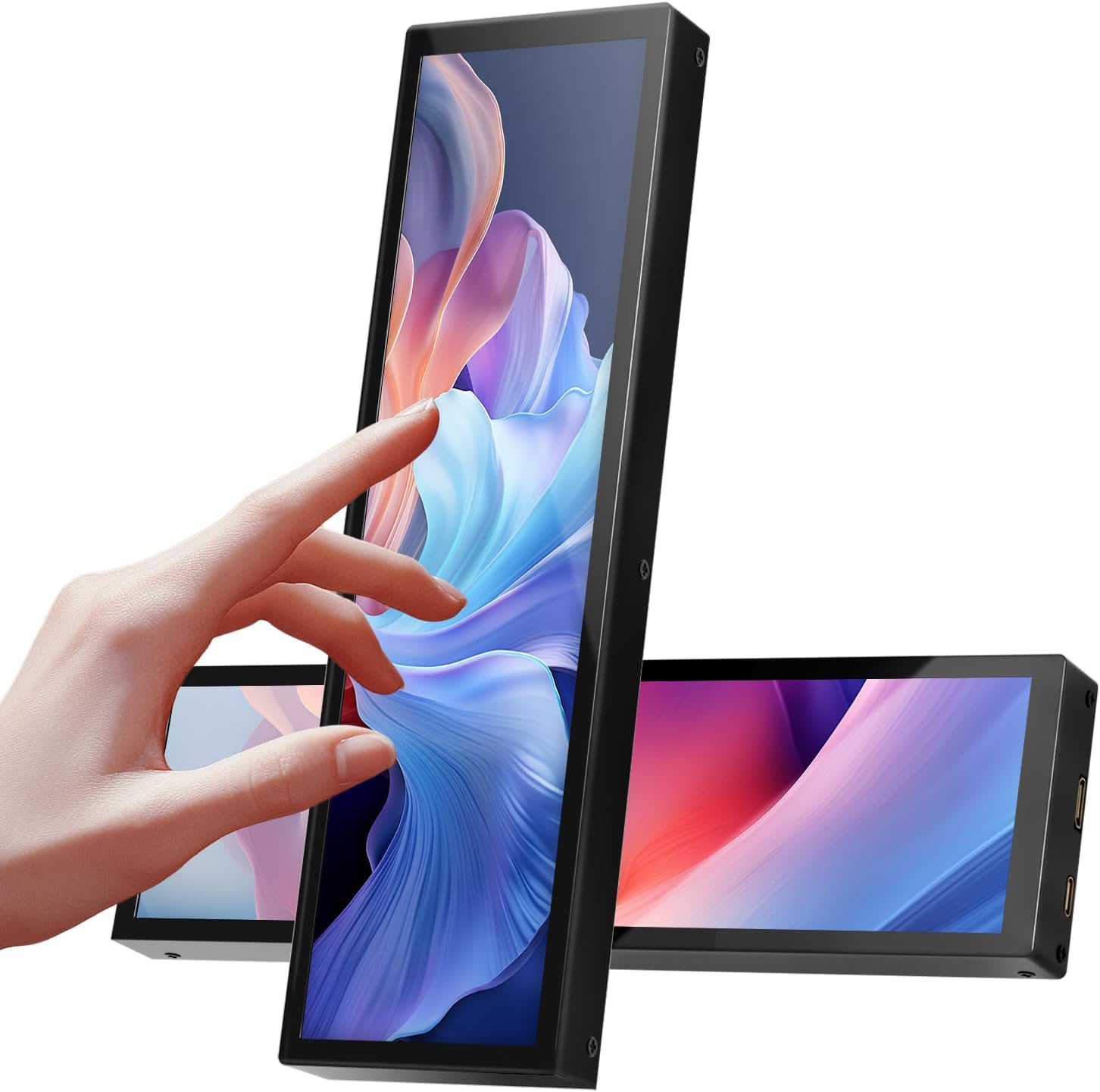
New to these updates are: a better screen with touch, a new 3D printed case for that screen, a whole home messaging system, more Raspberry Pi Support, better OS support, code overhauls, and more.
And if you've already built one, you can get these updates and benefit. The new messaging system even works if you don't have a touchscreen.
Just boot into your Raspberry Pi, type:
cd weather-display/
then
git pull
then after it finishes pulling the update type
sudo reboot
Notes on potential Raspberry Pi options:
Raspberry Pi 4 or 5 fully supported for Bookworm or Trixit
Raspberry Pi Zero 2 W now fully supported (Bookworm only, 64-bit recommended)
- Not recommended for Trixie (Wayland)
- Requires a different HDMI adapter and a dedicated power supply for the display
Raspberry Pi 3B ((Bookworm only, 64-bit recommended)
- Probably will run, probably will be sluggish
If you build one, I’d love to see it — tag me or share photos in the comments!
Links to the updated project files and the new display can be found in the description! Thanks for the feedback that helped make this version happen. 🙌
Subscribe for more practical DIY tech and smart home projects.






Practical tech reviews, repairs, DIY projects, smart home experiments, and useful gadgets without the hype.
