
YouTube Membership
Support the channel directly and help fund future reviews, projects, and experiments.

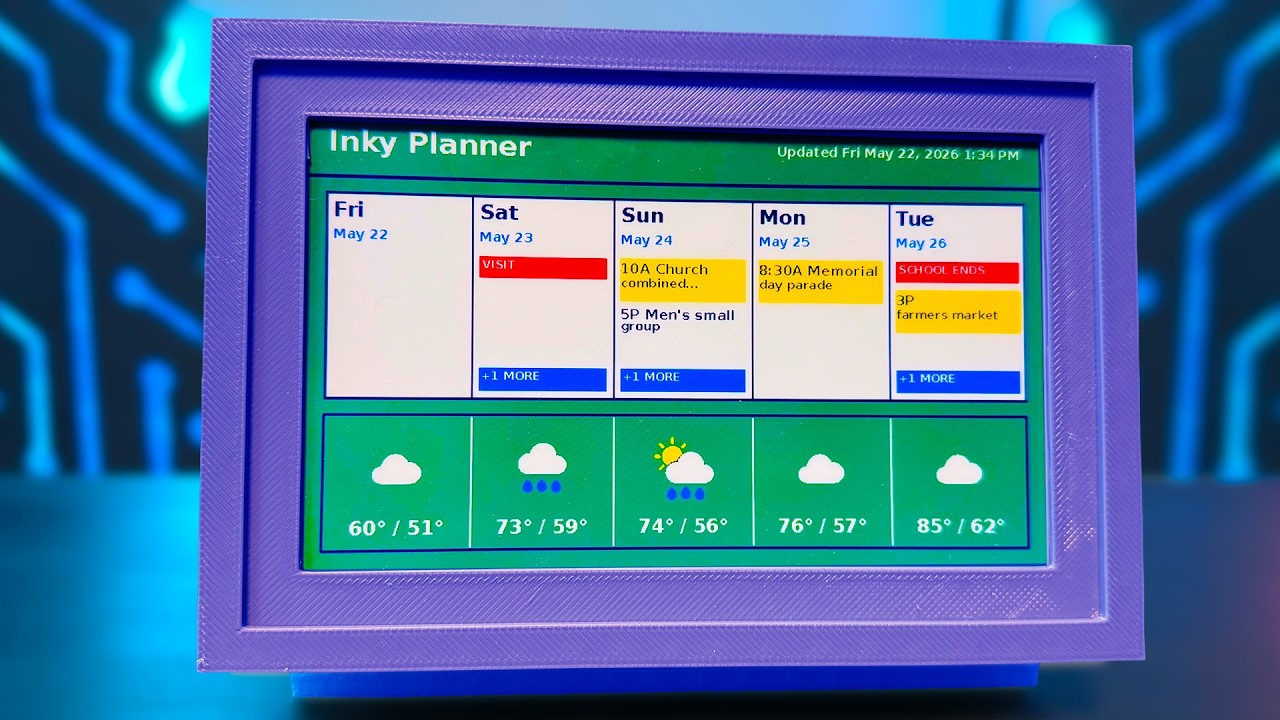
I replaced my paper planner and scattered calendar apps with a DIY Raspberry Pi e-ink dashboard that shows my schedule, weather, upcoming events, and even photos at a glance.
Here’s how to build your own DIY E-Ink Planner with a Raspberry Pi.
Most digital planners and smart displays feel like another screen fighting for your attention. So I wanted something different. Something that behaved more like a household bulletin board or calendar hanging on the refrigerator, except automatic, customizable, and actually pleasant to look at.
The Inky Planner uses a color e-ink display, physical buttons, a Raspberry Pi Zero 2 W, and a 3D printed case to create a low-distraction dashboard that quietly sits in the background until you need it.
With a single button press, you can switch between:
• A five-day dashboard
• Detailed daily views
• Tomorrow’s schedule
• A digital photo frame mode
The best part? You can build one too.
This project includes:
• Automatic setup scripts
• Free 3D printable case files
• Desk and wall-mounted versions
• Browser-based configuration tools
• Calendar integration
• Weather support
• Photo gallery support
• Language and metric/imperial support
Important note:
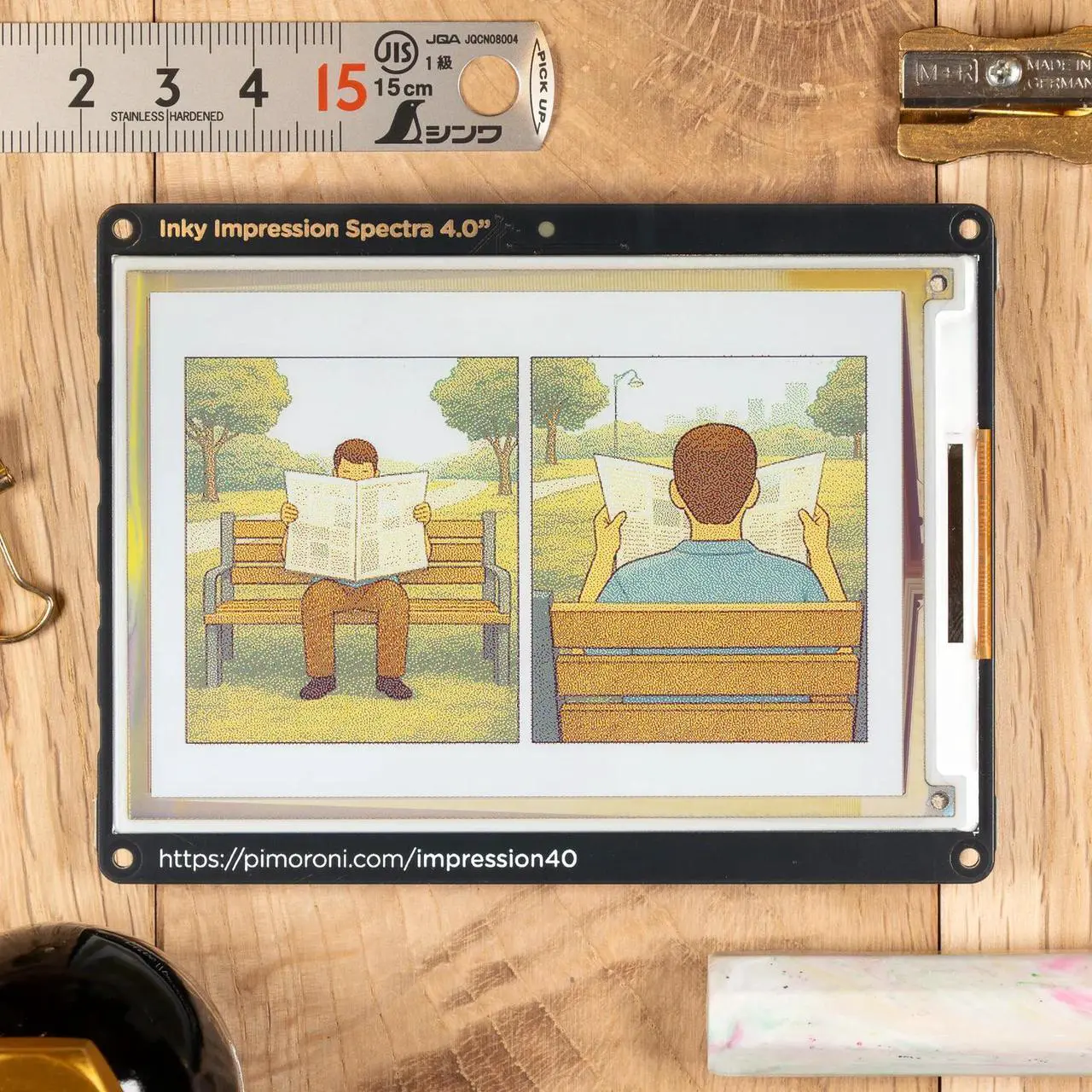
Pimoroni currently ships two different versions of the Inky Impression display. Older models have buttons on the side, while newer versions moved the buttons to the back. I included printable case versions for both hardware revisions.
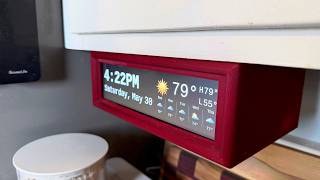
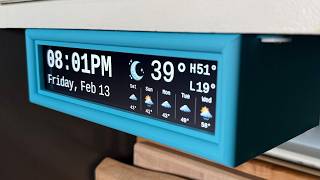
And if you’ve seen my under-cabinet Raspberry Pi weather clock project, a lot of the philosophy here is probably going to feel familiar. I’ve become a little obsessed with low-distraction household tech that quietly fits into your home instead of constantly competing for your attention.
I also have another video coming soon with major updates to the kitchen clock project, and I’m actively working on a round e-ink desk clock version as well.
This video covers a DIY E-Ink planner, Raspberry Pi dashboard, digital wall planner, E-Paper calendar display, low-distraction smart home tech, and a customizable Raspberry Pi household dashboard you can build yourself.
If you build one, I’d genuinely love to see it. Tag me or share photos in the comments!
Subscribe for more practical DIY tech and Raspberry Pi projects.




Practical tech reviews, repairs, DIY projects, smart home experiments, and useful gadgets without the hype.
